Bridge / Controls & PC Settings
INDEPENDENT GUIDE · VERIFIED 24 AUG 2026
Controls & PC Settings
Start at native resolution, use a stable frame-rate target, and change one graphics setting at a time so you can identify the real bottleneck.
Safe setup checklist
- Install the latest stable graphics driver.
- Confirm at least 20 GB free storage plus room for updates.
- Start at native display resolution.
- Choose a frame-rate cap your PC can hold consistently.
- If performance drops, reduce shadows and effects one step at a time.
- Keep dialogue and effects audible: verbal clues and environmental danger may matter.
Official keyboard, controller and graphics-option lists were not exposed in the store materials checked at launch; exact bindings will be added after verification.
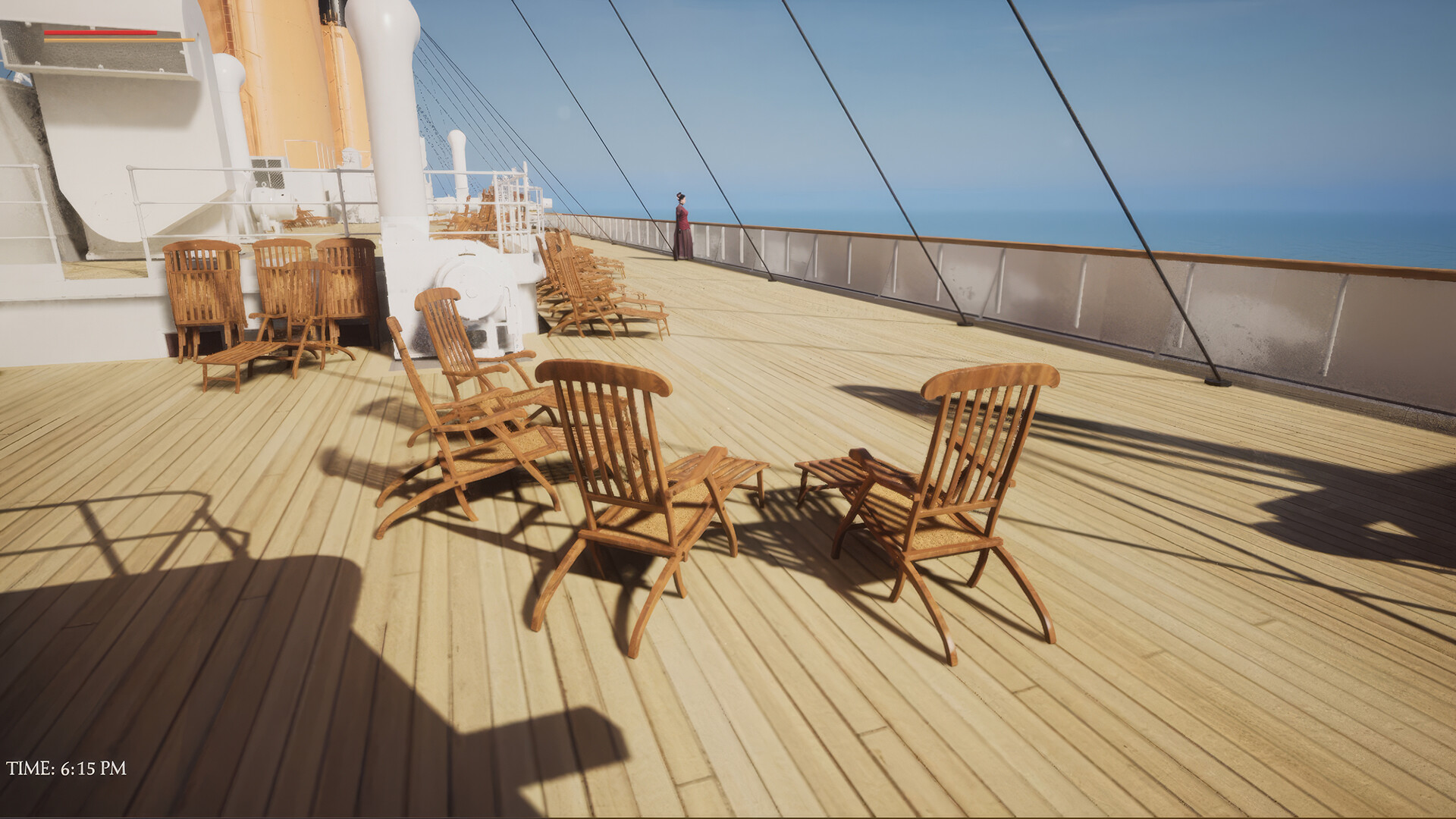
OFFICIAL IN-GAME IMAGES
Scenes from the voyage
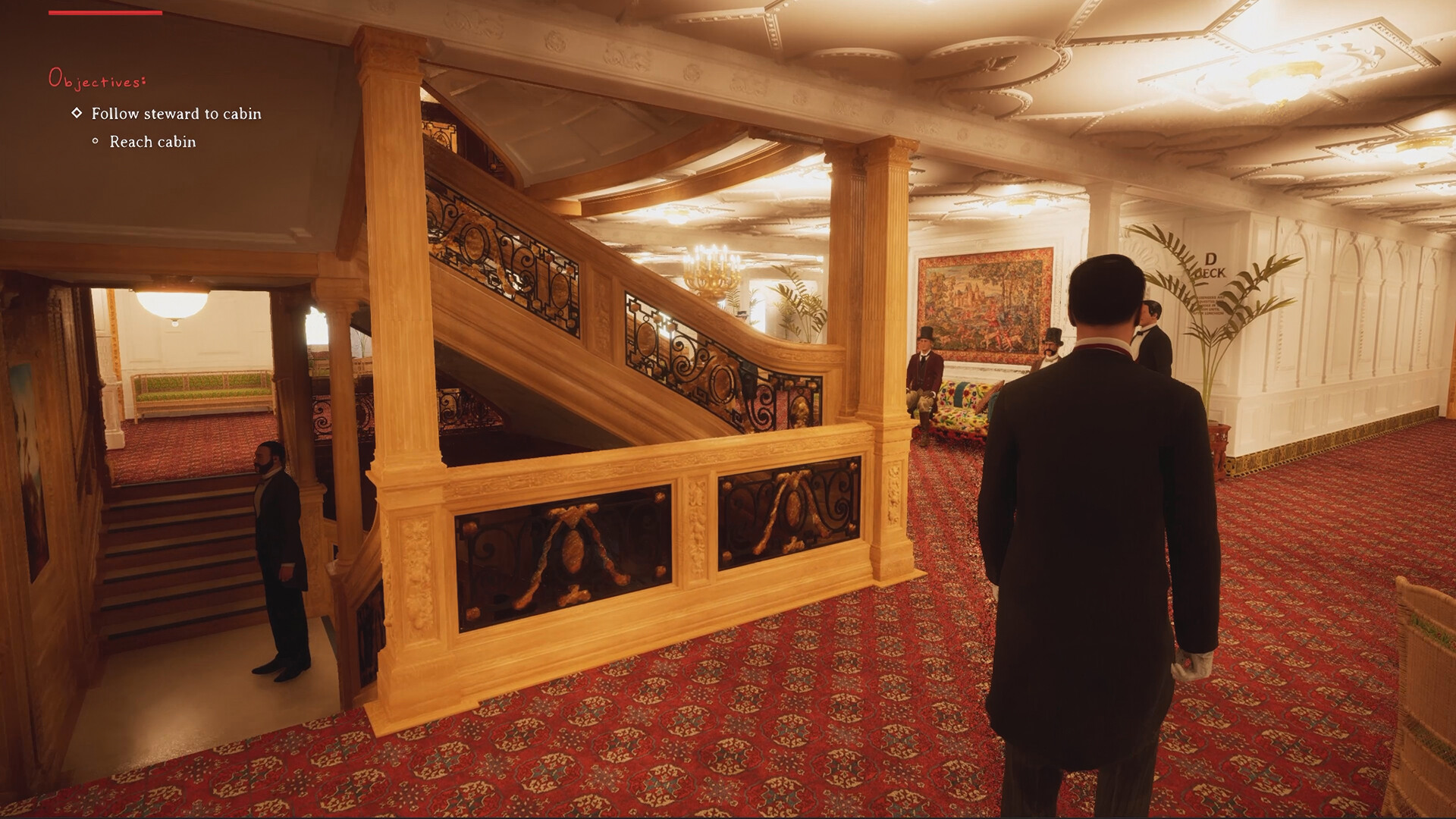
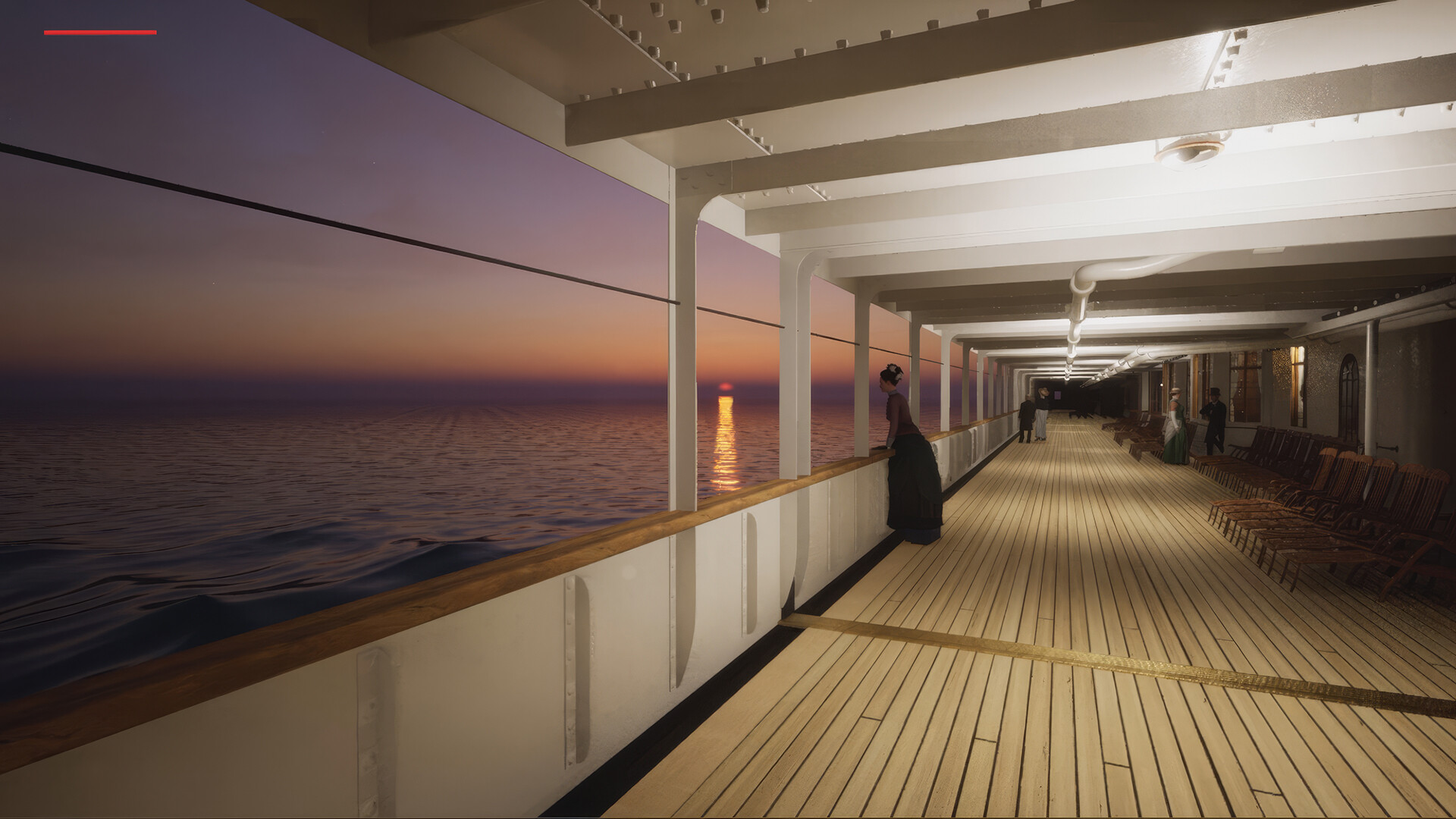
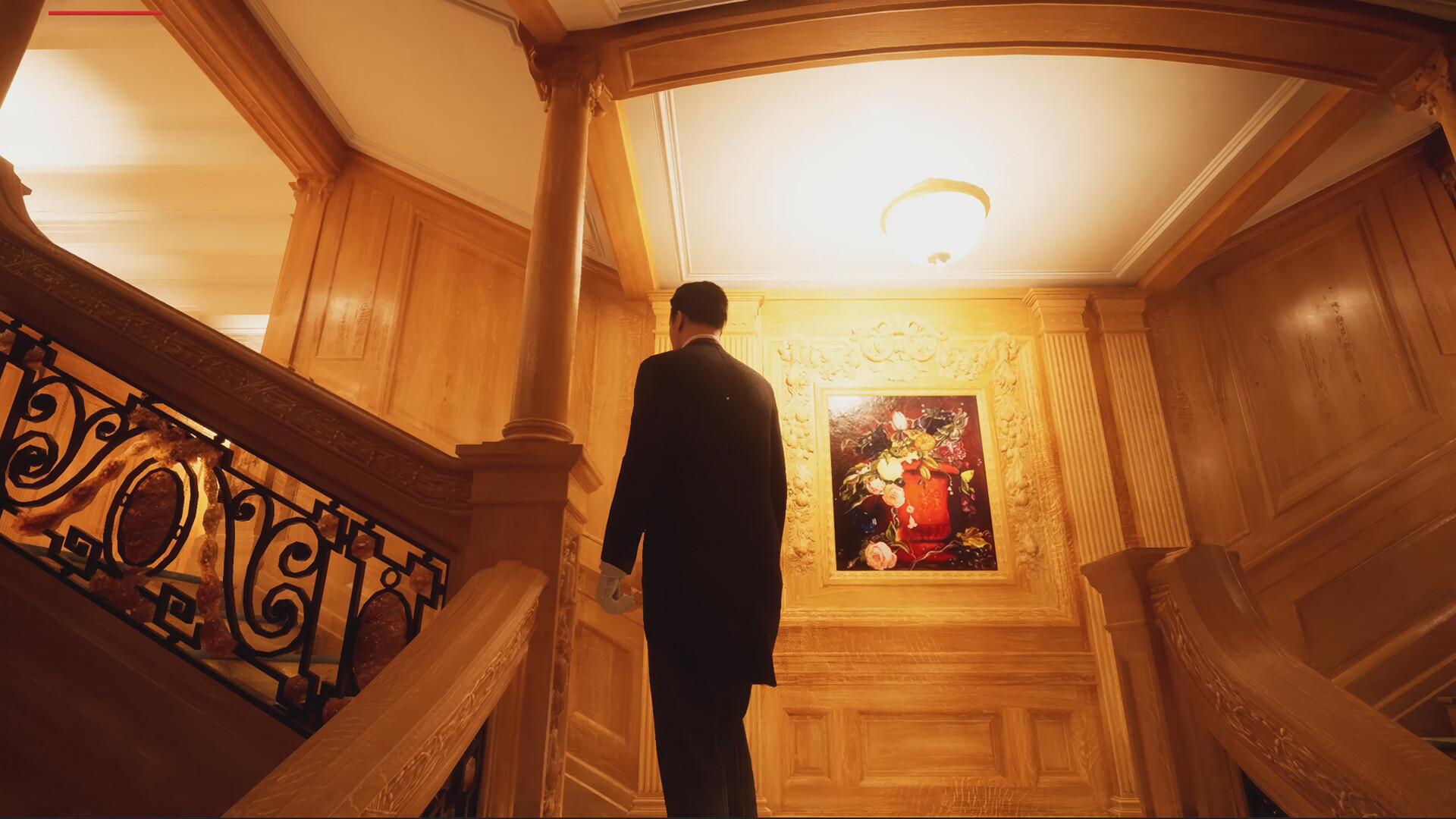
Official screenshots supplied by the game’s developer/publisher through Steam. Stored locally—no image hotlinking.